Skip to content

Interest Rate Calculator

Sometimes you know the loan amount and the monthly payment — for example from a store financing offer — but not the interest rate. This calculator works backwards to find the annual rate you are actually paying.

  • Private — runs in your browser
  • Formula explained

Enter your details

$
$
months

Calculated in your browser. Your numbers are never sent or stored.

Annual interest rate

12.5%

Total of payments
$27,000
Total interest
$7,000
Effective annual rate
13.25%
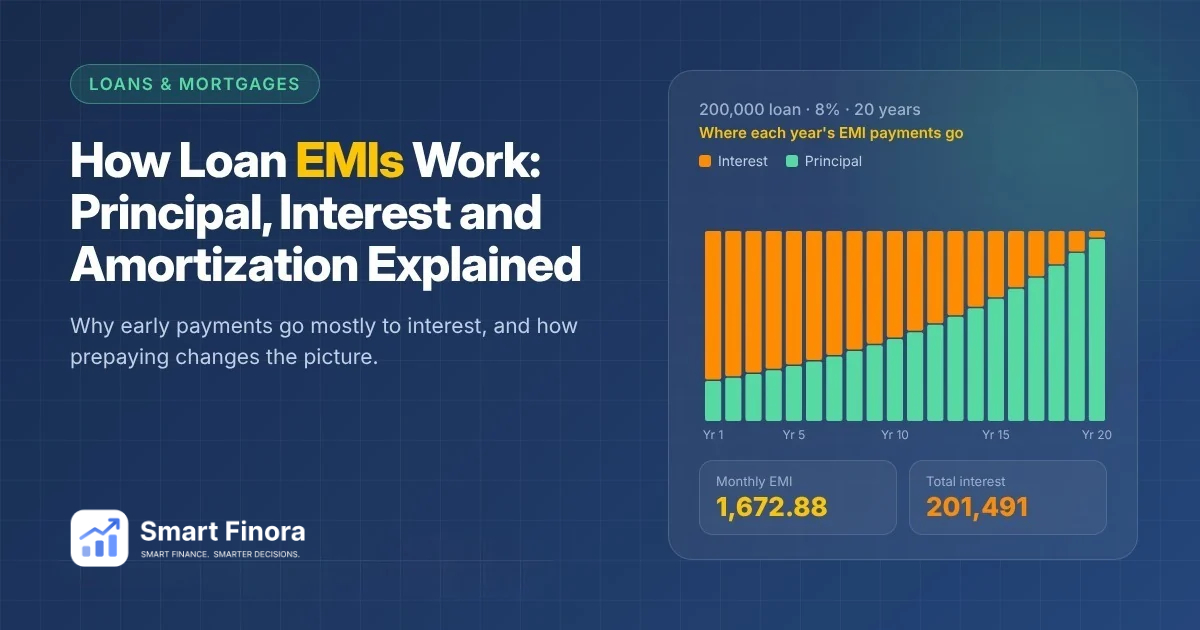
Principal vs. interest

How to use the Interest Rate Calculator

  1. 1Enter the amount borrowed.
  2. 2Enter the fixed monthly payment.
  3. 3Enter the total number of payments.
  4. 4Press Calculate.

Formula

P = M × [1 − (1 + r)⁻ⁿ] ÷ r → solve for r

P
loan amount
M
monthly payment
n
number of payments
r
monthly rate; annual rate = r × 12 × 100

There is no direct formula for r, so the calculator finds it numerically: it keeps narrowing the range of possible rates (bisection) until the present value of all payments equals the loan amount to within a fraction of a cent.

Example calculation

A $20,000 loan repaid at $400 a month for 60 months costs $24,000 in total. Solving the formula gives an interest rate of 7.42% a year.

Assumptions and limitations

  • Fixed monthly payments on an amortizing loan with monthly compounding.
  • Fees paid upfront are not included; subtract them from the loan amount to estimate an APR.

Frequently asked questions

Why does the result differ from the advertised rate?

Fees, insurance or add-on products bundled into the payment raise the effective rate. This calculator shows the rate implied by the actual payment.

What does a 0% result mean?

If total payments equal the amount borrowed, no interest is being charged.

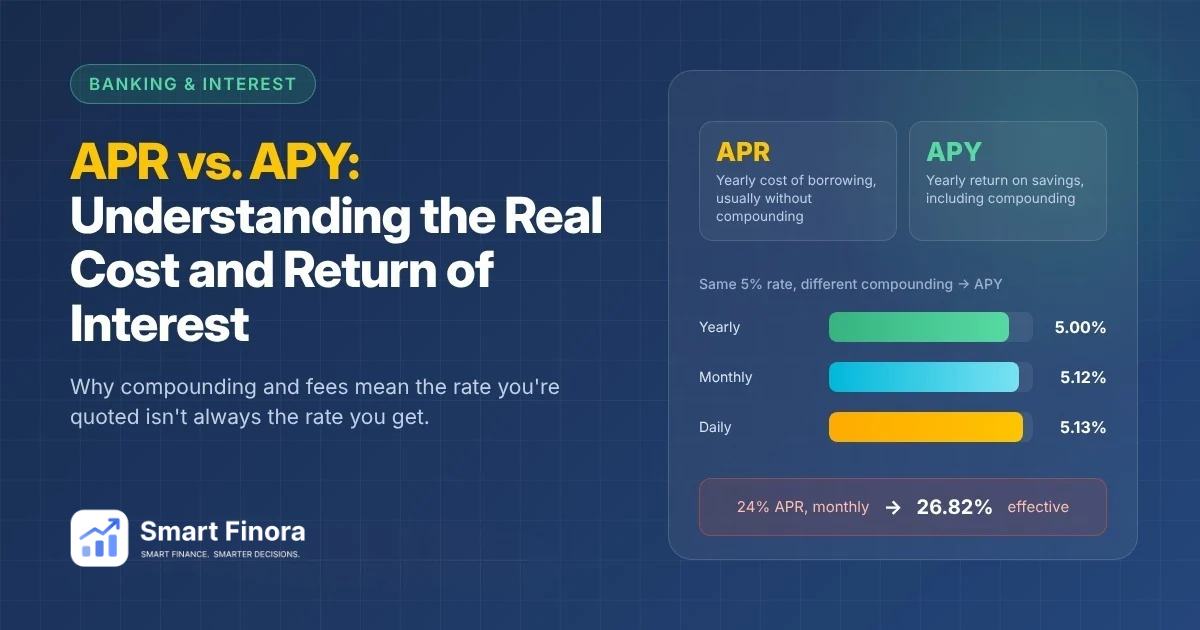
What is the effective annual rate?

It is the rate after monthly compounding over a year: (1 + r)¹² − 1. It is slightly higher than the nominal annual rate.

Learn more